LIFEOS STUDIO · PERSONAL INTELLIGENCE
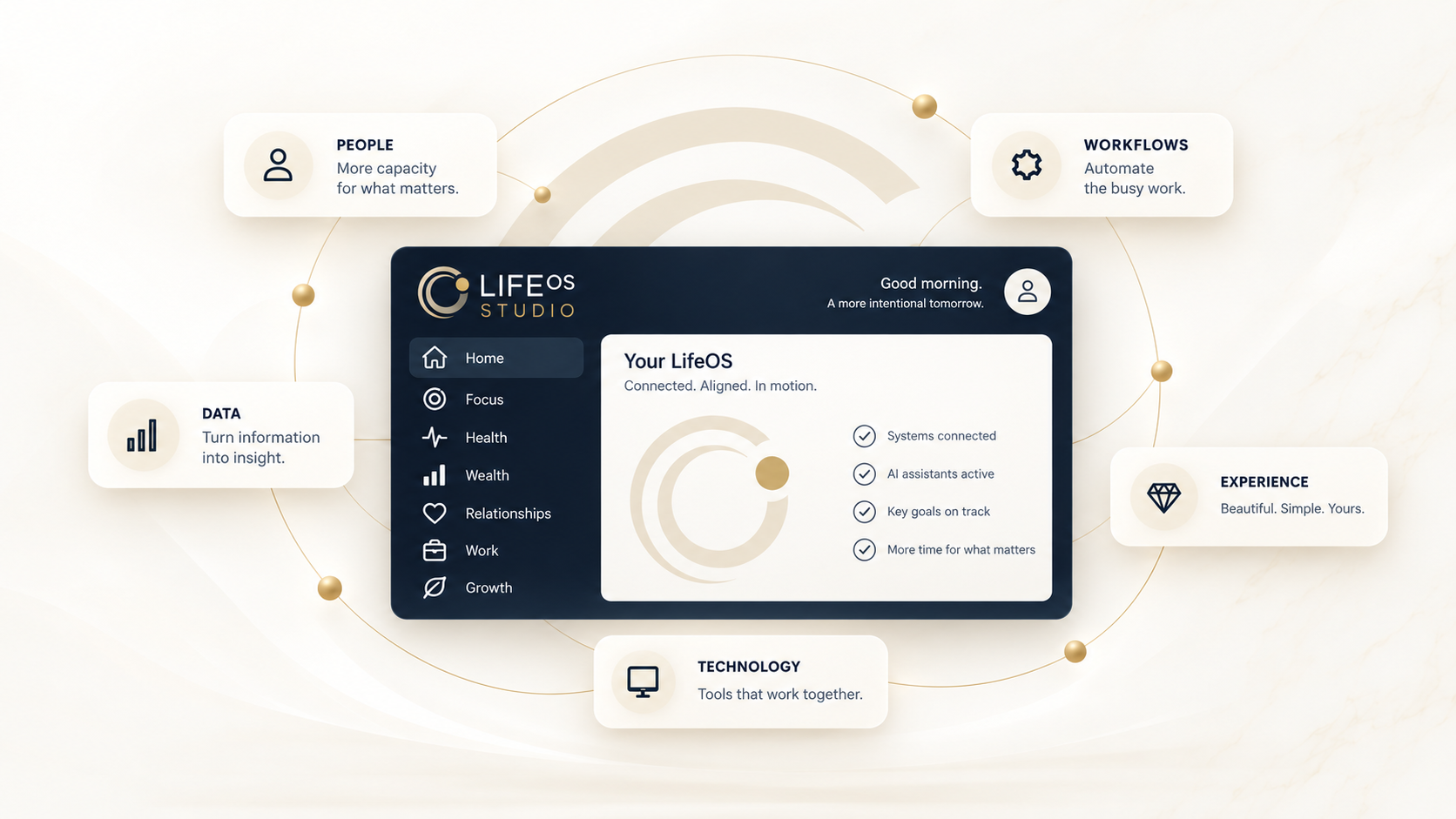
Your life.
Connected.
LifeOS brings your plans, priorities, travel and everyday responsibilities into one connected app—so you can see what needs attention and take the next step.
THE OPPORTUNITY
Life is connected.
Your tools should be, too.
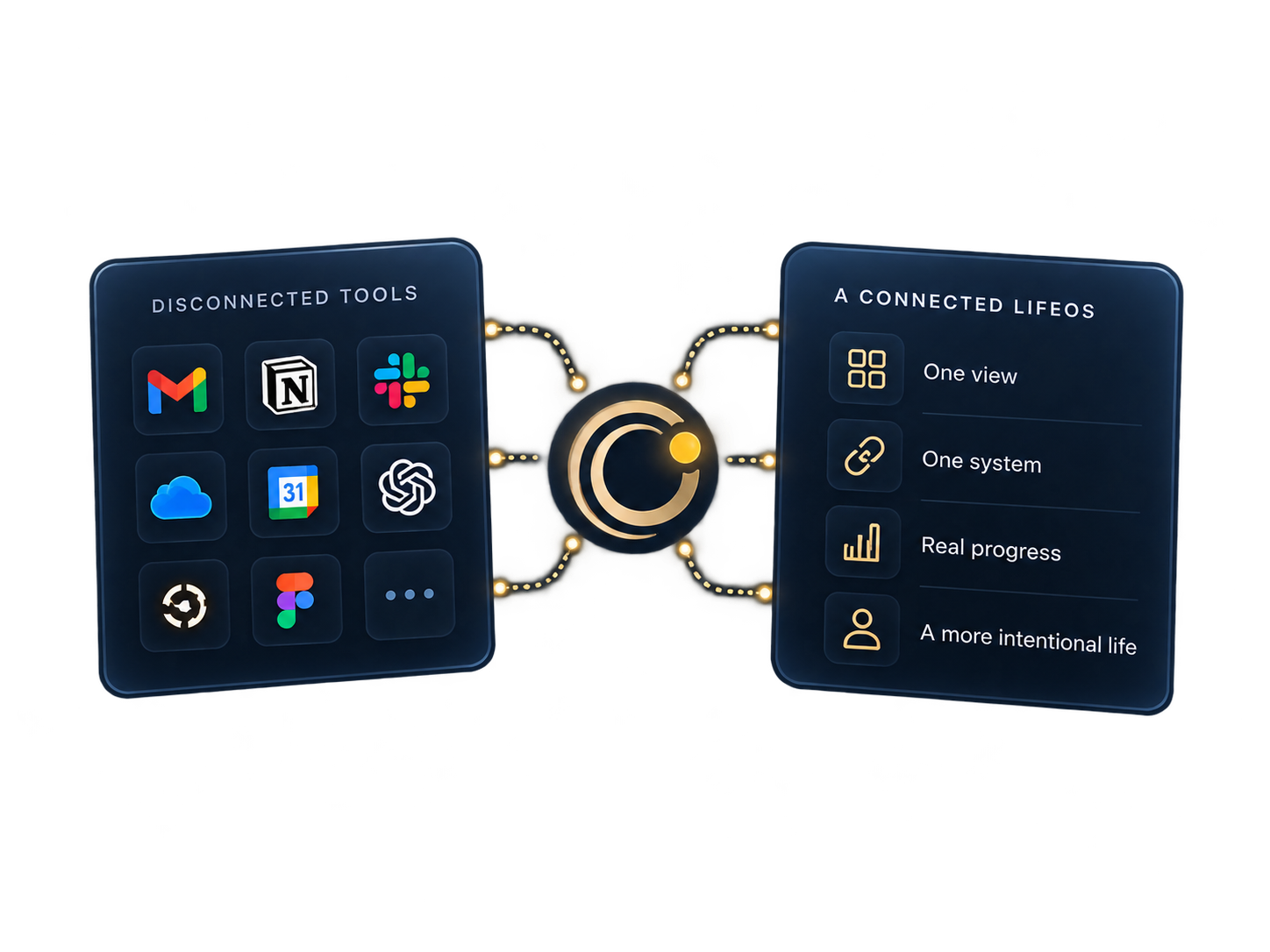
The appointment is on your calendar. The reservation is in your inbox. The follow-up is still in your head. LifeOS brings those everyday details into a clearer view, helping you move from keeping track to taking action.
How it works
Less keeping track.
More moving forward.
Bring your details together.
Start with supported connections and manual entries for the parts of life you want to organize.
Find your focus.
Review daily priorities, upcoming plans and information that needs your attention.
Follow through.
Take the next step with your actions, bookings and everyday details close at hand.
Strategy · Technology · Everyday life
A clear strategy. A practical next step.
Good technology starts with knowing what you want to achieve. LifeOS Studio brings strategic thinking to the way you plan, organize and move forward.
Find the right focus.
Clarify your goals, work through competing priorities and decide where your time and energy will make the biggest difference.
Build a workable plan.
Turn ideas into a practical roadmap, with useful systems and clear next steps that fit your life or organization.
Make technology work for you.
Develop an AI and technology strategy around real needs. Learn what to use, how to use it and where it can give you time back.
Ask Orbit
Ask a question. Take the next step.
Ask Orbit is your conversational guide to LifeOS. Ask about your day, find your focus or tell Orbit what you need to get done.
Ask or act, in your own words.
Understand, then act.
Orbit draws on the information available in LifeOS to help you review priorities, prepare for upcoming plans and explore your schedule.
When a supported request would create or change something, Orbit presents it for your confirmation before acting.
Answers depend on available information, supported connections and when data was last checked. Orbit shows when context is incomplete or out of date.
Travel together
Trips are better when the plan is shared.
LifeOS gives your group a shared place to plan the journey, coordinate the details and keep trip costs clear.
Bring everyone into the plan.
Invite trip members, set roles and permissions, and collaborate on a shared itinerary. Coordinate guests, attendance and RSVPs around the plans that matter.
Keep the journey together.
Organize bookings, activities and reservations alongside destination weather, trip outfits and itinerary exports.
Make shared costs simpler.
Trip Money brings expenses, linked Split Receipts, participant balances and settlements into the same trip.
More of your life, connected
Your home. Your routines. Your people.
LifeOS goes beyond the calendar and task list, with space for the decisions and responsibilities that shape everyday life.
Household & Family
Stay on top of maintenance, household issues and shared actions. Keep the people and responsibilities around your home in the picture.
Meals
Plan what’s for dinner and keep meal ideas and photos close at hand. Make the week’s meals one less thing to keep in your head.
Wardrobe
Organize your wardrobe and plan upcoming outfits, from everyday plans to time away.
Sports
Follow your teams and their next games. Make room for the matchups that matter alongside the rest of your week.
Health & Fitness
Bring personal goals, activities and workout plans together to support a routine that fits your life.
Projects
Keep longer-running plans and project status in view, with Action Center nearby for next steps and follow-ups.
Available through early testing. Household and trip collaboration are supported; broader family sharing, including shared meals and groceries, is planned.
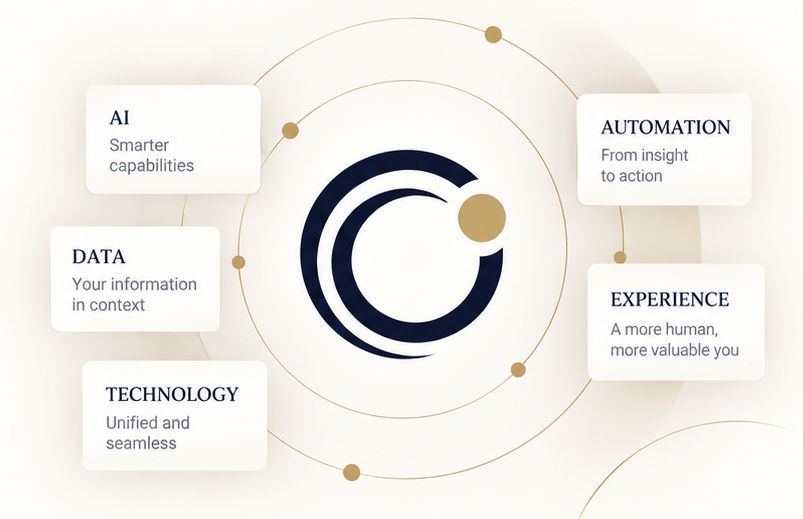
Start with what matters today. Find the details when you need them. LifeOS connects daily priorities, actions, calendars, travel, money and deliveries in one personal command center.
Simple at a glance.
Powerful when you need it.
Personal Intelligence
A clearer picture of your day, with the context to decide what comes next.
LifeOS is in active development and early testing. We’re refining real everyday workflows with feedback as we prepare for a wider beta.
Built for everyday follow-through.
Meet your everyday command center.
Today & Overview
A place to see your daily priorities and the details that need attention.
Action Center
Keep tasks, reminders and follow-ups together so your next step stays clear.
Calendar
Bring your schedule into the same view as the rest of your daily life.
Travel
Keep trip plans, bookings and flight details organized from planning to arrival.
Money
Keep financial information and upcoming obligations in view as part of your everyday planning.
Orders & Deliveries
Follow purchases and deliveries without searching through confirmation emails.

Weather
Check conditions and available forecasts alongside your daily plans and destinations.
Daily Briefing
Get an overview of relevant information to help you prepare for the day.
Connected Context
Bring supported accounts and everyday information into one place, with connections you choose.
Need a more personal solution?
Alongside the LifeOS app, we help individuals and small organizations simplify technology and build more useful digital systems.
Consulting & digital services
AI guidance and training
Digital organization
Smart home support
Website design
Workflow automation
Practical technology consulting

Let’s make life simpler.
Interested in the LifeOS beta? Tell us what you’d like help keeping track of.
Looking for consulting? Share the project or everyday challenge you have in mind.
Send a note using the form below. Beta interest does not guarantee immediate access; we’ll follow up as testing expands.